
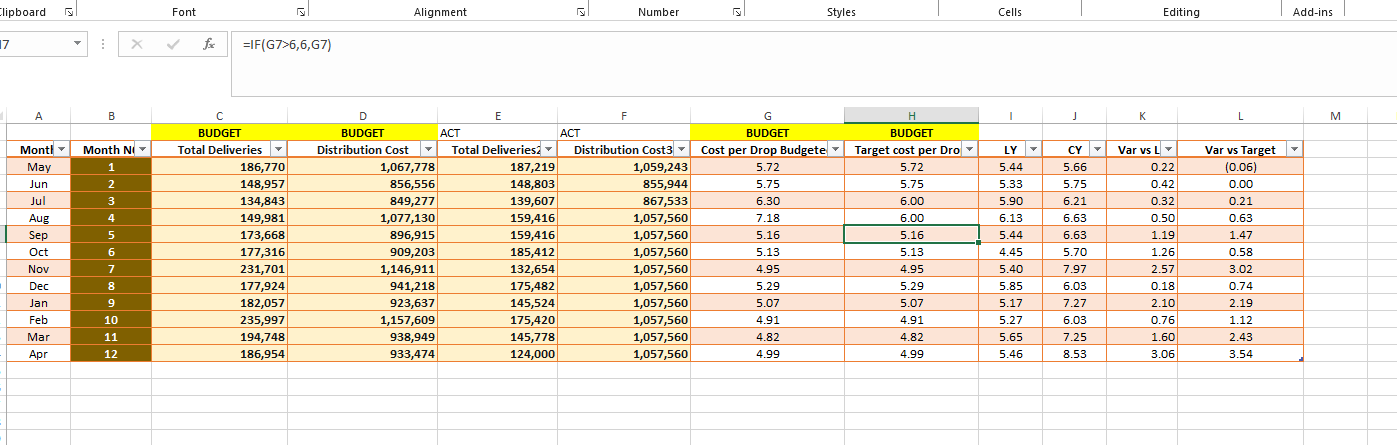

In today’s data-driven world, businesses are constantly seeking ways to streamline their data analysis and reporting processes. Whether you’re a spreadsheet whiz with Excel or a Python enthusiast, there are efficient ways to automate these tasks. In this guide, we’ll show you how to harness the power of both Excel and Python to make your data analysis and reporting more efficient and less labor-intensive.
Why Automation Matters
Automation is a game-changer in the world of data analysis and reporting. It not only saves time but also reduces the risk of errors that can occur when manual processes are involved. By automating repetitive tasks, you free up valuable time for more critical activities like interpreting data and making informed decisions.
Step 1: Data Collection and Cleaning
Excel: Start by importing your data into Excel. Use functions like sorting, filtering, and removing duplicates to clean your data and ensure its accuracy.
Python: Utilize Python and the panda’s library to import and clean your data. Python’s scripting capabilities make it easy to perform data-cleaning tasks and save the cleaned data in various formats.
Step 2: Choose the Right Tools
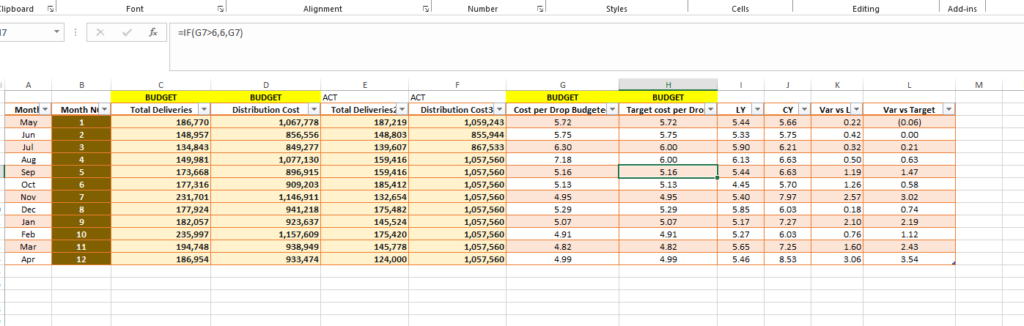
Excel: Continue using Excel for data analysis. You can create pivot tables, use formulas for calculations, and generate charts to visualize your data.
Python: Python offers more advanced data analysis and visualization capabilities through libraries like pandas and matplotlib/seaborn. You can perform complex statistical analysis and create custom visualizations.
Step 3: Build Templates for Reporting
Excel: Design report templates within Excel by creating sheets for different sections of your report, such as data summaries and charts.
Step 4: Automate Data Extraction
Python: Write Python scripts using libraries like requests or pandas to automate data extraction from various sources, such as APIs or databases. Schedule these scripts to run at specific intervals for regular updates.
Step 5: Automate Reporting
Excel: Use Excel’s built-in features like data connections or Power Query to automate data import and updates. Set up dynamic ranges and formulas to keep your reports current.
Python: Employ libraries like openpyxl to manipulate Excel files programmatically. Write Python scripts to populate Excel report templates with the latest data, saving them as new reports.
Step 6: Visualization and Dashboarding
Excel: Create charts and graphs directly in Excel to visualize your data effectively.
Python: Use libraries like matplotlib, seaborn, Plotly, or Dash to create custom visualizations and interactive dashboards.
Step 7: Set Up Data Alerts
Python: Write Python scripts to monitor data and send alerts via email or messaging platforms when predefined conditions are met.
Step 8: Document and Archive Reports
Both Excel and Python offer options to save and archive reports. Implement clear file naming conventions and folder organization for easy retrieval.
Step 9: Continuous Improvement
Stay up-to-date with the latest features and tools in Excel and Python to enhance your automation capabilities. Explore advanced data analysis techniques and machine learning if relevant to your business needs.
By combining the strengths of Excel and Python, you can create a robust data analysis and reporting system that streamlines processes, minimizes manual effort, and maximizes the value of your data.
Incorporate these automation techniques into your workflow, and you’ll find yourself spending less time on data wrangling and more time on strategic decision-making—ultimately boosting your business’s efficiency and competitiveness.


Leave a Reply to Fitspresso review Cancel reply